

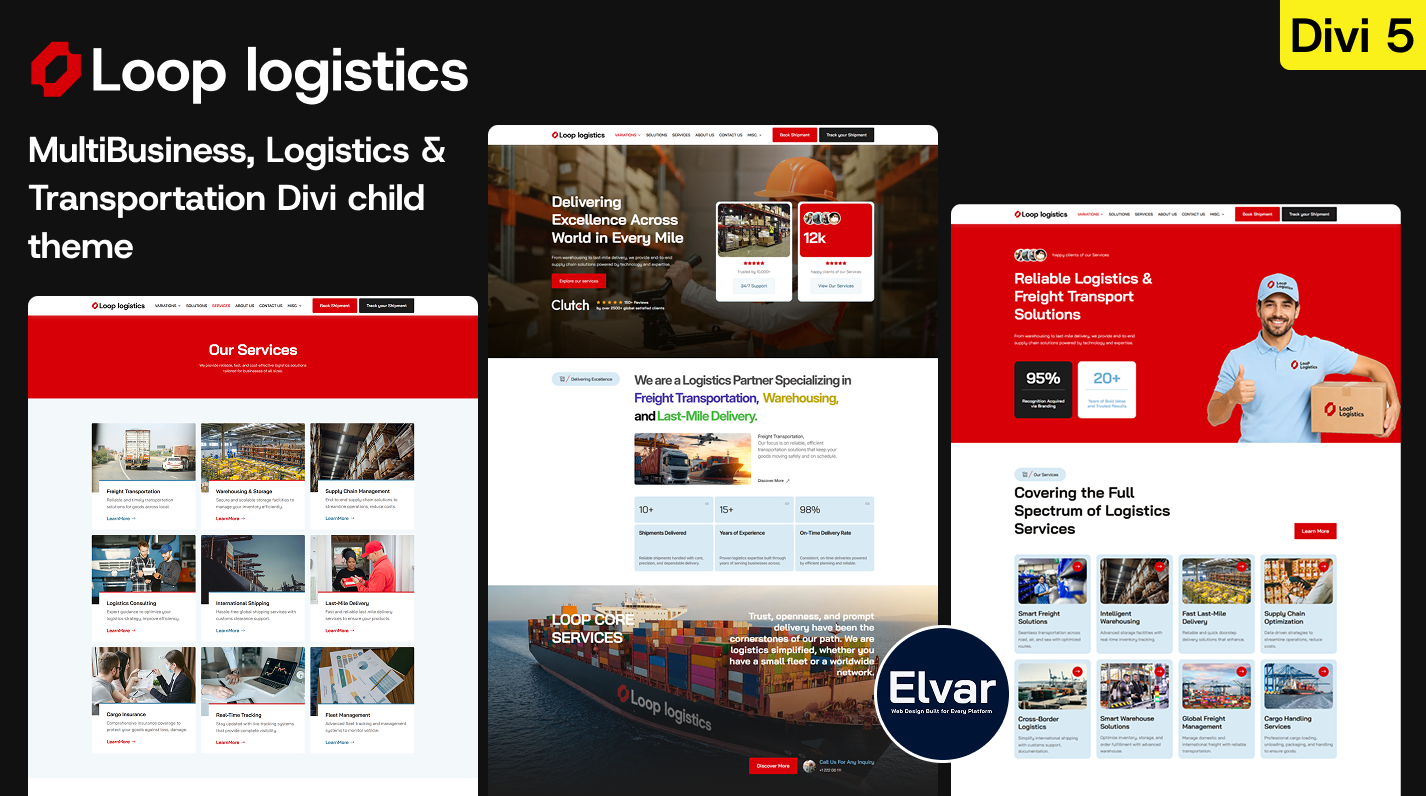

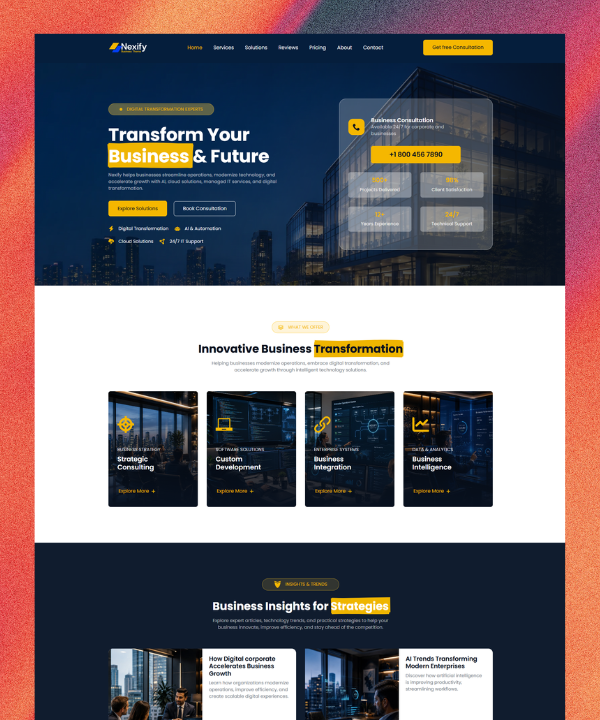


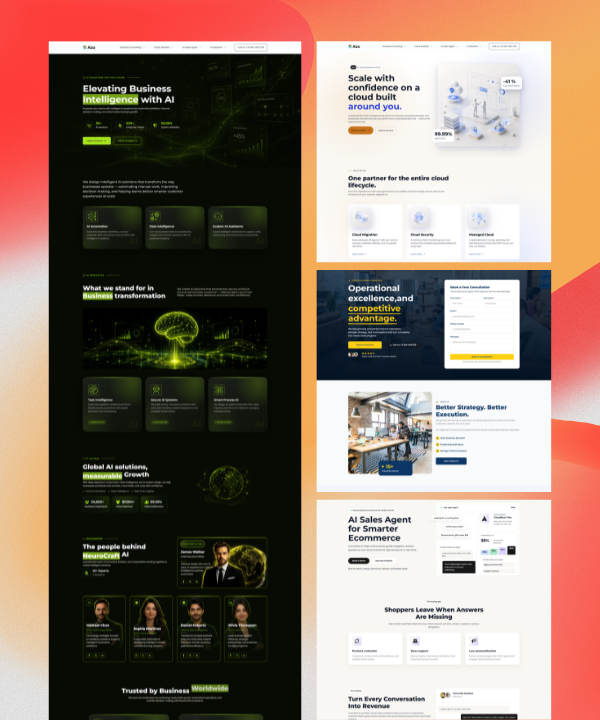
Recommend Our Products. Earn 30% from your first sale.
Help a client, reader, or fellow designer find the right starting point for their next website. Share an Elvar Studios product through your referral link and earn a commission when they buy. Your rate grows to 40% on sale 101 and 50% on sale 201.
How much can you earn?
Earn 30% from your first eligible sale. Your rate increases to 40% on sale 101 and 50% on sale 201.
| Sales 1–100 | 30% |
| Sales 101–200 | 40% |
| Sale 201 onward | 50% |
Elvar Studios Affiliate Program FAQs
1. Who can join the Elvar Studios Affiliate Program?
The program is for Divi freelancers, web designers, agencies, bloggers, and creators who recommend themes to clients or an audience. You can share a theme in a client proposal, demonstrate it in a tutorial, or feature it in a review or newsletter.
2. How do I sign up and get my referral link?
Click Become an Affiliate on this page and complete the signup form. Once your account is approved, you’ll receive an email with instructions to access your affiliate dashboard. You can copy your personal referral link there.
3. Do I need a website to promote Elvar themes?
You can recommend themes directly to clients or share them through a newsletter, YouTube channel, or social profile. When you sign up, tell us where you plan to share your recommendations.
4. Can I earn commission when a client buys a theme I recommend?
Yes. For example, if you recommend Aadhya for a client’s blog, share your personal referral link when you introduce the theme. If the client makes an eligible purchase and the sale is credited to you, you earn a commission. Let your client know you may earn a commission from the recommendation.
Commissions and discounts
5. How much commission can I earn?
You earn 30% from your first eligible sale. Your rate increases as you refer more sales.
| Your eligible referred sales | Commission rate |
|---|---|
| Sales 1–100 | 30% |
| Sales 101–200 | 40% |
| Sale 201 onward | 50% |
6. Does a higher rate apply to my earlier sales?
Each sale earns the rate for its tier. For example, your 100th eligible sale earns 30%, and your 101st earns 40%. Your first 100 sales keep their original rate.
7. How do coupons and discounts affect my commission?
We calculate your commission on the eligible product price after discounts. For example, if a customer uses a 30% coupon on a $79 theme, the discounted price is $55.30. At the 30% commission tier, you earn $16.59 on that sale.
8. What happens if a customer gets a refund?
If the customer receives a full refund during the 30-day holding period, that sale earns no commission. For a partial refund, your commission is adjusted to reflect the amount the customer paid after the refund.
Referral tracking
9. How long after clicking my link can a customer buy?
The referral tracking window is 30 days from the first affiliate click. A customer can explore the demo, discuss the theme with their team, and return later. If they complete an eligible purchase within that window and your link was the first affiliate link they clicked, you receive credit.
10. Who gets the commission if a customer clicks two affiliate links?
We use first-click attribution. If a customer clicks your referral link first and another affiliate’s link later, you receive credit for an eligible purchase made within the original 30-day window.
11. Where can I see my clicks, sales, and earnings?
Sign in to your affiliate dashboard to view clicks, referrals, commissions, and payout history. A click means someone followed your link. Only eligible purchases credited to you count toward your next commission tier.
PayPal and payouts
12. How and when will I get paid?
Elvar Studios sends your commission through PayPal on day 31, after a 30-day hold on each eligible sale. The holding period starts when the customer buys. For example, if someone clicks your link today and buys a week later, your payout timeline begins on the purchase date.
13. Is there a minimum payout amount?
No. Even if you refer only one eligible sale, we send that commission on day 31. You don’t need to make another sale or reach a minimum balance.
14. Do I need a PayPal account?
Yes. You need a PayPal account that can receive payments. Enter the email address associated with that account as your payout email. You can update it in your affiliate dashboard.